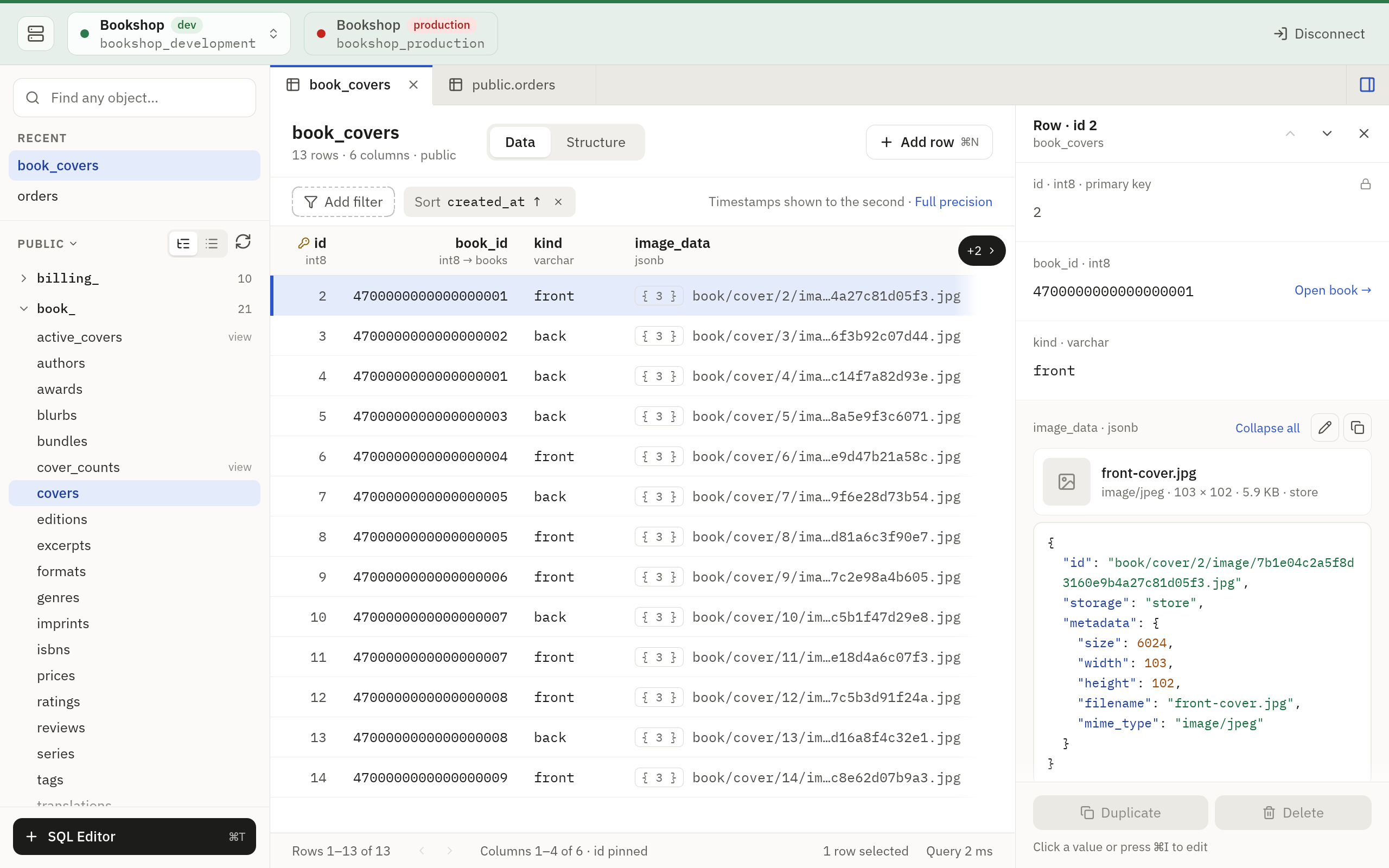
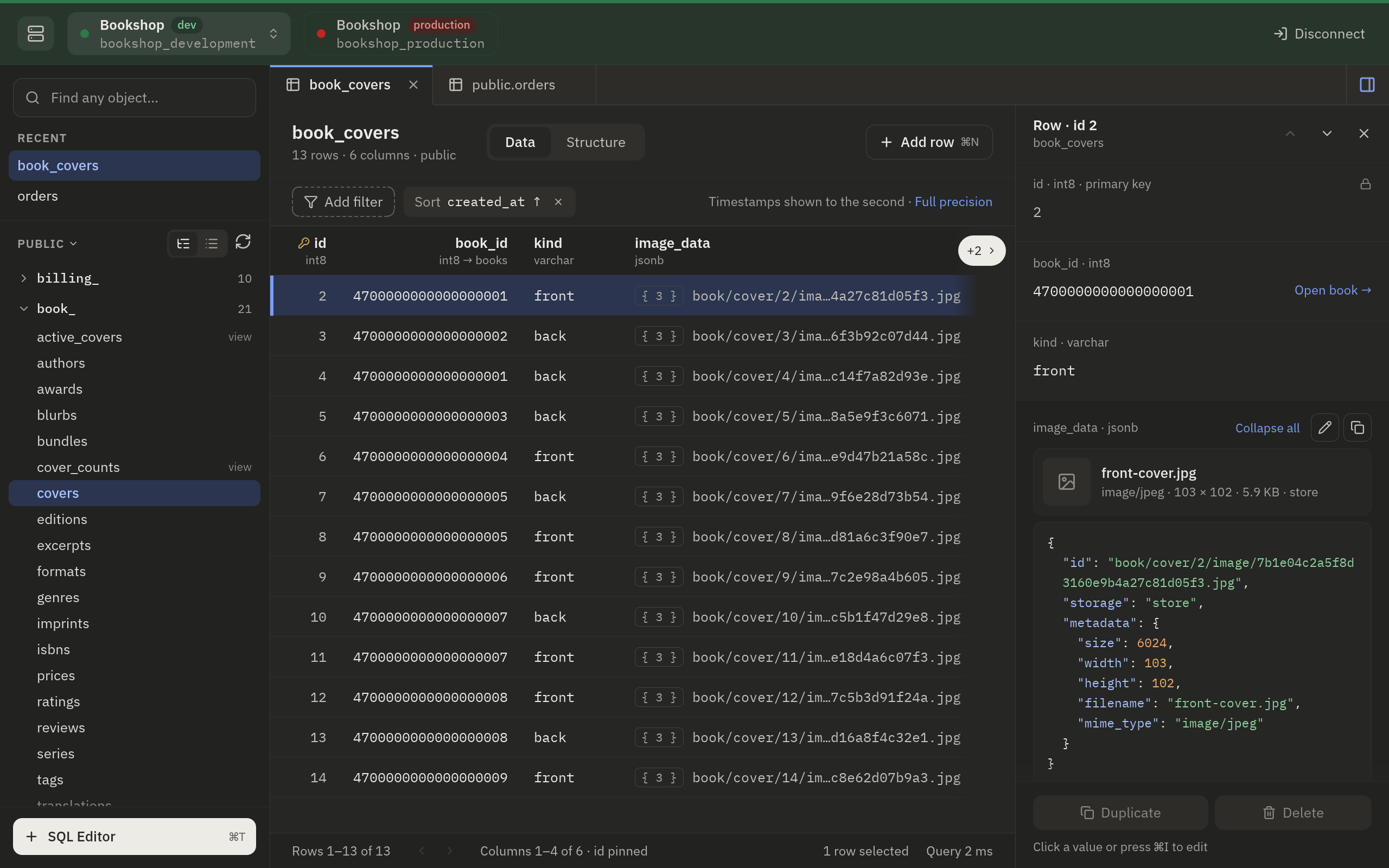
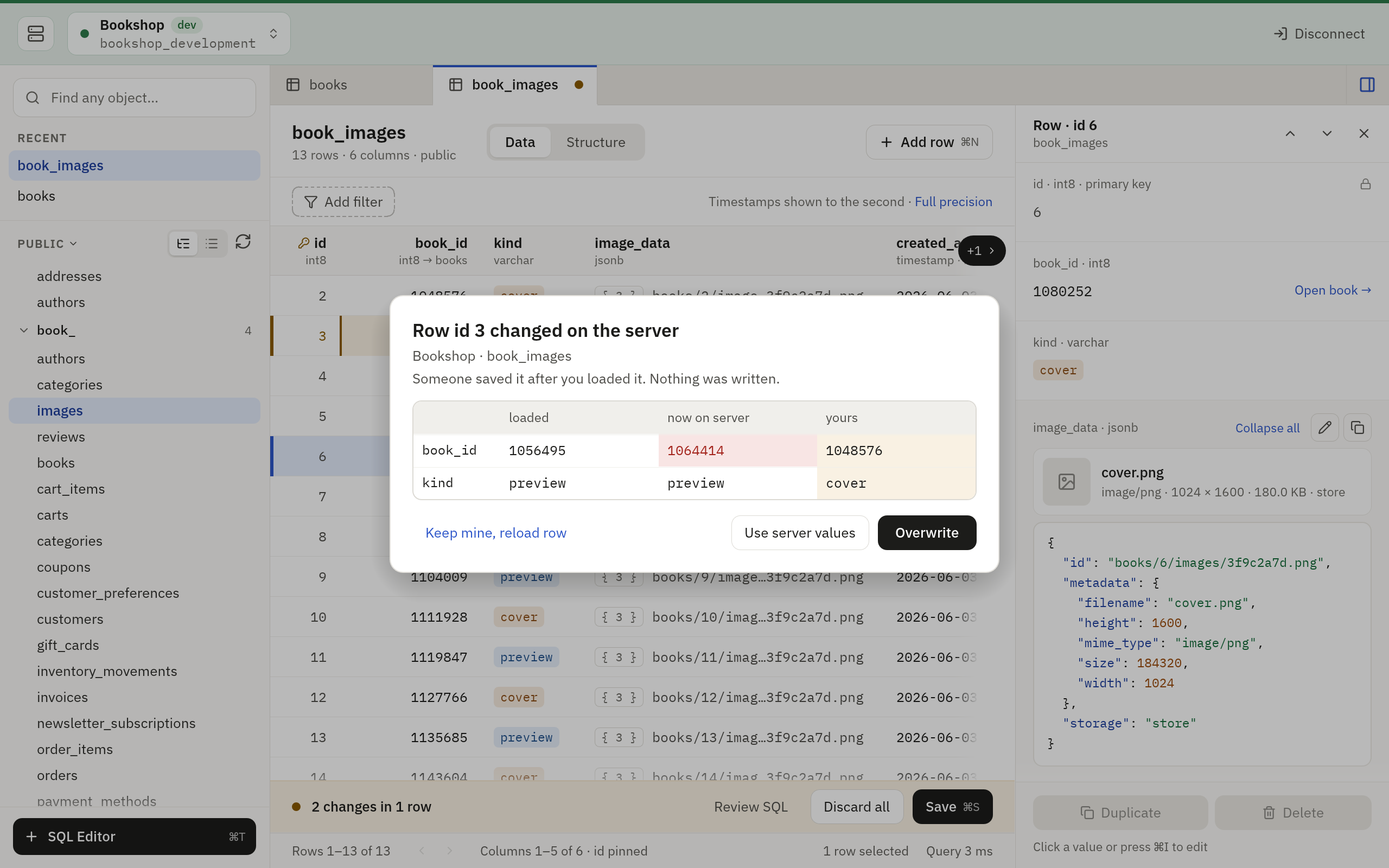
PostgreSQL, MySQL and SQLite keep read-only themselves, not a guess from the SQL. A production connection opens read-only unless you say otherwise, and a save to production asks first, with its SQL on screen.
The picture above is the macOS look, and Windows gets a close relative of
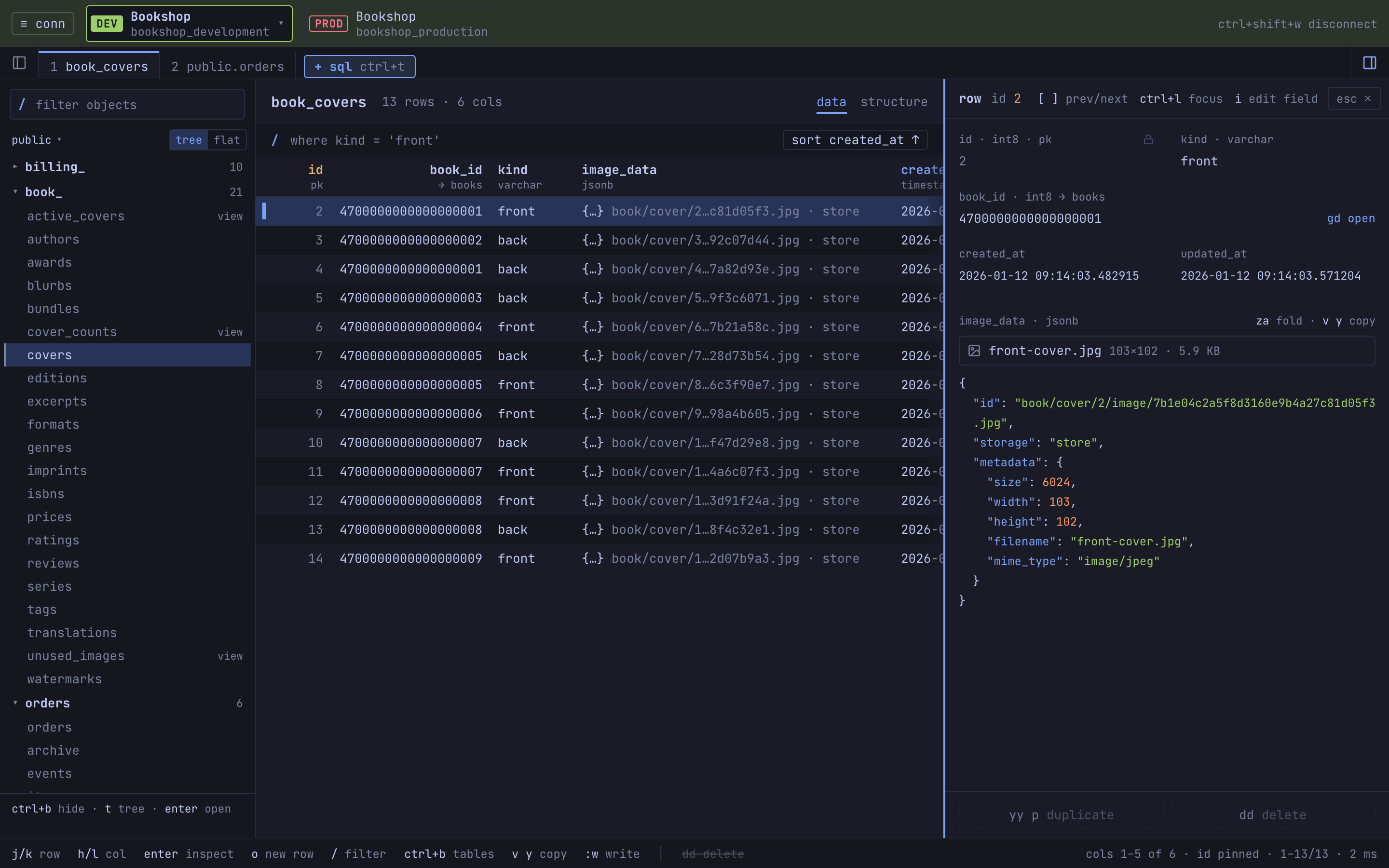
it. On Linux, Tabletist takes the Omarchy look: square, keyboard first,
with vim keys and the desktop’s monospace font throughout. On Omarchy it
follows the desktop’s theme and recolors when you switch themes. Each
system can have the other look too: Settings › Appearance › Interface
switches between the classic look and the Omarchy one at once.
Read about the Omarchy look and
Tabletist on macOS.
A closer look
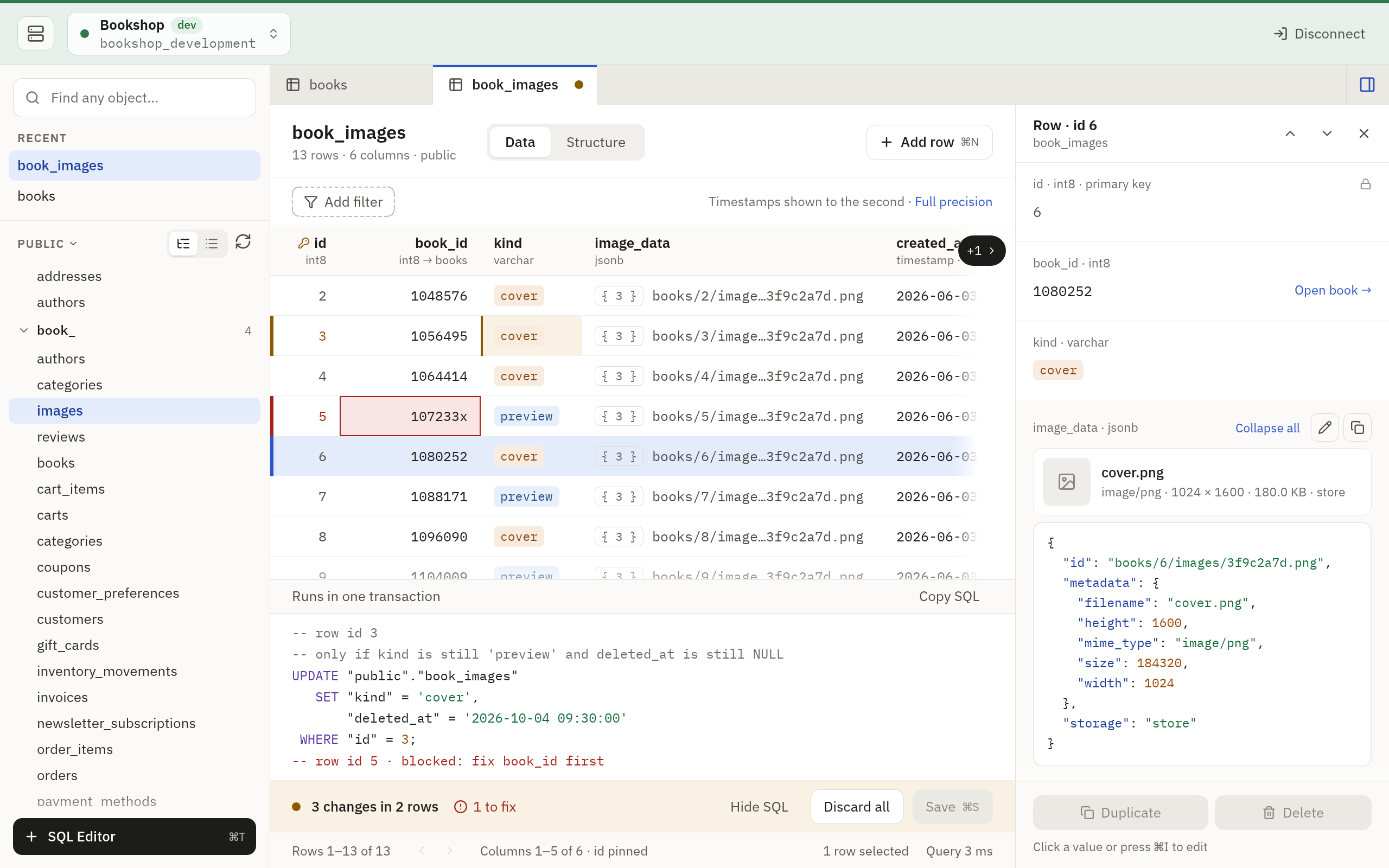
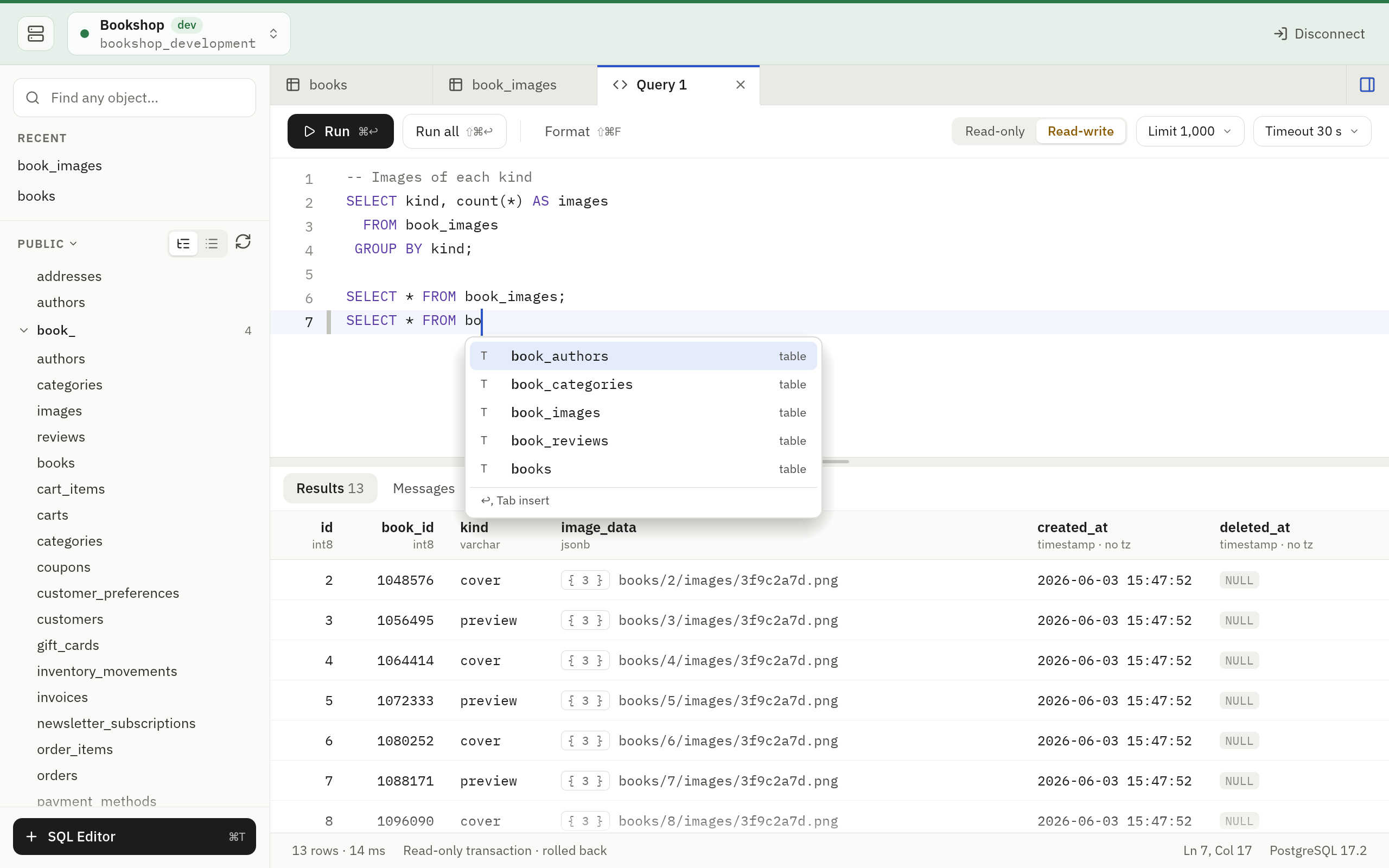
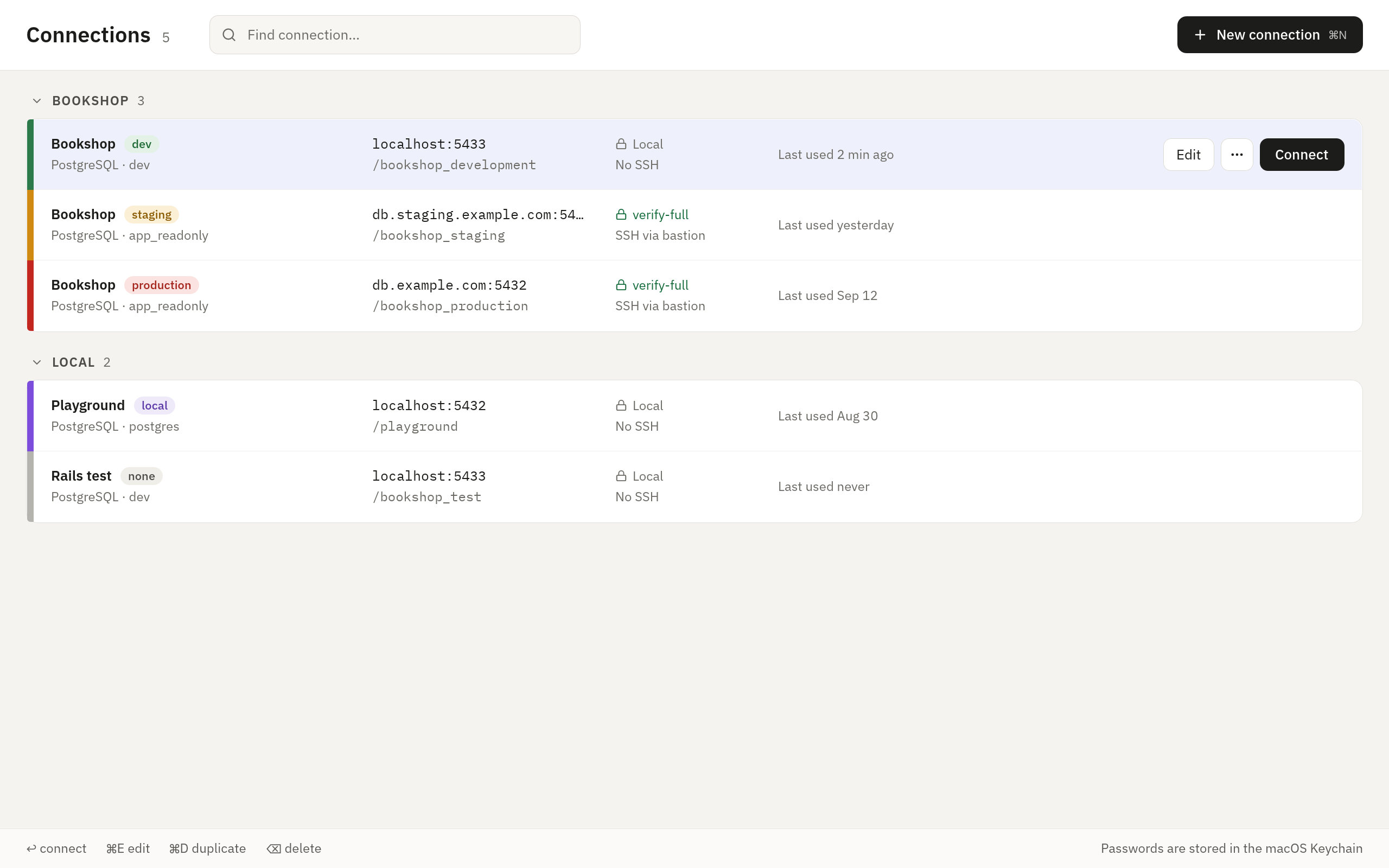
Read the SQL of your changes before it runs.See what changed on the server before you decide.Write SQL with completion for tables and columns.Keep every connection, tagged with its environment.
Quick far away, careful up close
Most of the wait on a remote database is the network. Tabletist sends
what each step needs together, so on PostgreSQL, MySQL and MariaDB
opening a table, loading a page, counting rows and running a read-only
SELECT usually take one round trip (a MySQL table with a FLOAT
column takes more). Through a network that adds 200 ms to
each round trip, a table opens in about 0.2 seconds.
It is careful with what you trust it with: passwords stay in the system
keyring, PostgreSQL, MySQL and SQLite keep read-only themselves, and an update installs
only once its signature checks out.
Read about speed and security.
Try it without a database
Start Tabletist with --demo and it opens a sample database, so you can
look around before you connect to your own.
Get started.